
Asset & equipment tracking
Know what you own,
wherever it is.
Asset Giant keeps track of every tool, machine or piece of equipment your business owns — where it is, who has it, and what it’s worth.
Photograph an item and AI fills in the details. Print a QR label and stick it on. From then on, the savings start — less time hunting for kit, and fewer things bought twice. Anyone in your team can scan a label with their phone to see the full record, take it out, bring it back, or book it to a job — and you can track everything you own without leaving the office.
Adding a real asset, start to finish, from one photo.
- Free forever for 100 assets
- No hardware to buy
- Set up in an afternoon
The perfect solution for businesses that never stand still.
Works for construction & trades media & events tool & plant hire facilities & maintenance electrical & plumbing joinery & fit-out landscaping & grounds scaffolding & access AV & broadcast schools & colleges See your industry
Three steps, and your kit is on the map
No data-entry project, no consultant, no training week.
-
1
Identify from a photo Snap it.
Logged. ✓ Logged in seconds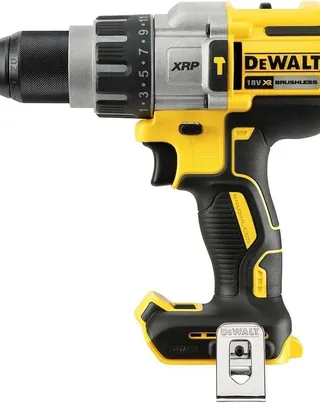
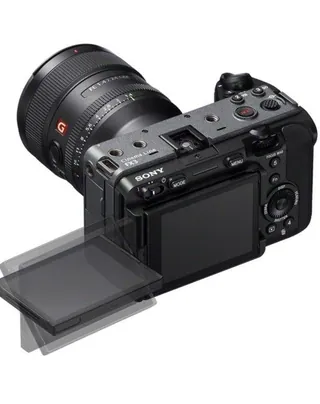
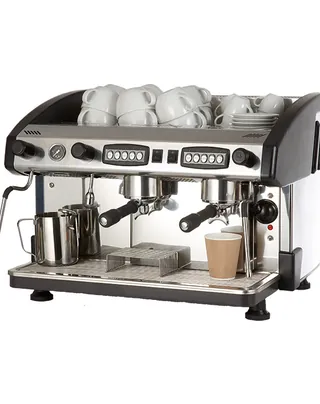
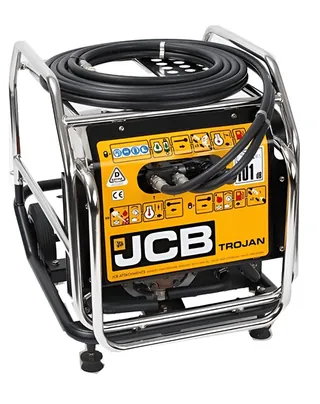
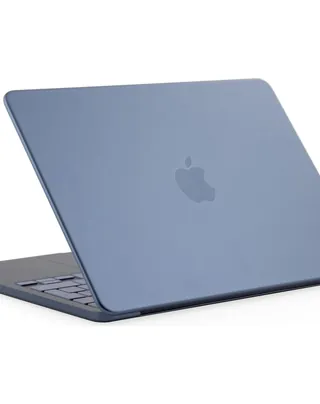
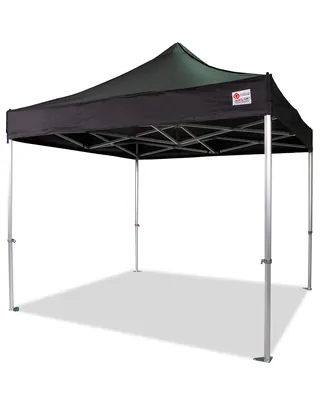
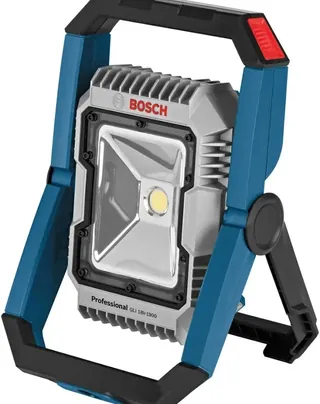
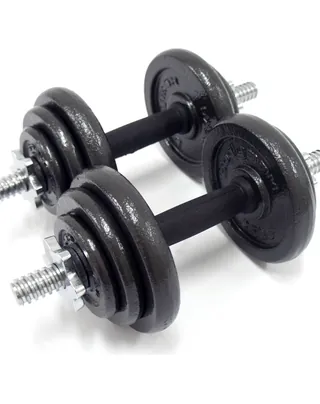
 Cordless Drill
Cinema Camera
Coffee Machine
Portable Generator
Laptop
Pop-up Gazebo
LED Floodlight
Dumbbells
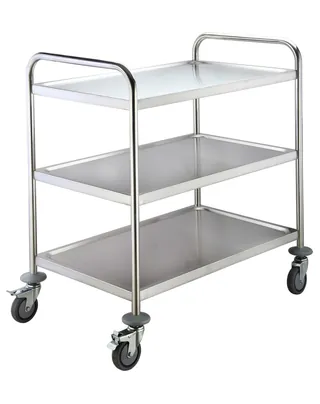
Service Trolley
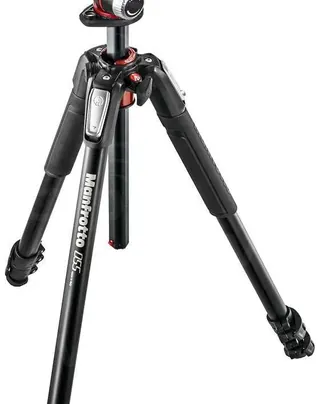
Camera Tripod
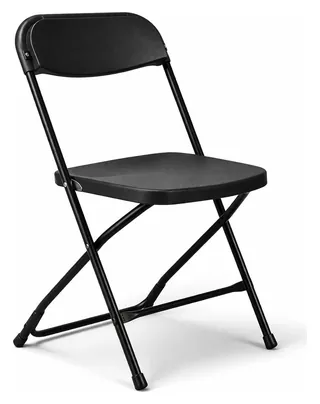
Folding Chair
DeWalt · 18V
Sony · Full-frame
NC2 · Two-group
JCB · Petrol
Apple · 14-inch
Canopro · 3x3m
Bosch · 18V
BodyMax · 20kg
Adexa · 3-tier
Manfrotto · Alu
Samsonite · 80cm
Name Cordless Drill Cinema Camera Coffee Machine Portable Generator Laptop Pop-up Gazebo LED Floodlight Dumbbells Service Trolley Camera Tripod Folding ChairMake / Model DeWalt DCD996 Sony ILME-FX3 NC2 High Group Espresso JCB Beaver MacBook Neo A18 Canopro Elite Bosch GLI 18V-1200C BodyMax 20kg Adexa RST3C Manfrotto 055XPRO3 Samsonite 80cm
Cordless Drill
Cinema Camera
Coffee Machine
Portable Generator
Laptop
Pop-up Gazebo
LED Floodlight
Dumbbells
Service Trolley
Camera Tripod
Folding Chair
DeWalt · 18V
Sony · Full-frame
NC2 · Two-group
JCB · Petrol
Apple · 14-inch
Canopro · 3x3m
Bosch · 18V
BodyMax · 20kg
Adexa · 3-tier
Manfrotto · Alu
Samsonite · 80cm
Name Cordless Drill Cinema Camera Coffee Machine Portable Generator Laptop Pop-up Gazebo LED Floodlight Dumbbells Service Trolley Camera Tripod Folding ChairMake / Model DeWalt DCD996 Sony ILME-FX3 NC2 High Group Espresso JCB Beaver MacBook Neo A18 Canopro Elite Bosch GLI 18V-1200C BodyMax 20kg Adexa RST3C Manfrotto 055XPRO3 Samsonite 80cmPhotograph it
Point your phone at an item. The AI names it and fills in the make, model, category and specs — you check it and save. How AI entry works
-
2

Label it
Print QR labels on ordinary sticker sheets — your own layout, your logo — and stick one on each item. About QR labels
-
3

Scan it, anywhere
Anyone scans a label to see the item, take it out, bring it back or move it. Locations update themselves. About scanning
Your new office assistant
Every account comes with an assistant that can read its own records. Ask in plain English — it answers from your inventory, and it can point you at the right help article while it is at it.
How many assets have we got, and what are they worth?
You have 248 assets on the books, with a total purchase value of £96,410.
- Available — 171
- On-site — 54
- Needs Repair — 14
- Lost — 9
They sit across 6 locations and 11 projects.
Which ones need repair?
14 items are marked Needs Repair. The first four:
- TOOL-000118 — Petrol Disc Cutter (Stihl, Kings Road site)
- PLANT-000006 — Site Transformer (Defender, Unit 4 store)
- AV-000031 — LED Panel Kit (Aputure, checked out to Priya Raman)
- IT-000077 — Laptop (Dell, Head Office)
Want the other ten, or a breakdown by location?
How do I print QR labels for the new ones?
Tick the items in your inventory list and choose Add to print queue. In the queue you pick a label size and sheet layout, then print the PDF onto ordinary sticker sheets — no special printer and no tags to buy in.
You already have 12 items waiting in the print queue.
Read more: Printing QR Code Labels
What projects have we got coming up next week? Is all the booked equipment available?
Three projects run next week, with 46 items booked between them.
- Riverside Phase 2 — Mon to Fri, 24 items
- Halton Live — Wed to Fri, 15 items
- Northgate Fit-out — Thu, 7 items
All of it is available except one. IT-000082 — Laptop (Dell), booked for Riverside Phase 2, was due back yesterday and is still out on the City Hall job.
Everything else on the three jobs is free to go.
A proper look inside
Real screens from a real account — not mock-ups.


Key features
The twelve people reach for most — AI that writes the record for you, QR labels you print yourself, phone scanning, bookings, history and one-click export. There’s plenty more besides.
- Identify assets from a photo Photograph a tool and AI names it, fills in make, model and category, and drafts the record for you to approve.
- Fill in the details with AI Already know the make and model? Type those two facts and AI completes the rest of the specification for you.
- QR labels for everything Every asset gets a unique QR label. Design your own layouts and batch-print to standard sticker sheets.
- Scan with the phone you own No scanners to buy. Point a phone camera at a label to pull up the item, its history and its location.
- Check kit in and out Know who has what, and when it went out. Run a digital checklist on the way out and back, so nothing is left behind.
- Track vans, sites and stores Locations, vehicles and jobs are first-class: see exactly which van or site an item is sitting in right now.
- Lists and kits Bundle the gear for a job into a reusable list, then load it out and back in as one action.
- Booking calendar Reserve items and whole kits against dates and jobs, and stop two crews claiming the same thing.
- Search and filter anything Find any item by name, ID, category, manufacturer, location, status or your own custom fields.
- Full audit trail Every edit, scan, booking and movement recorded — so "who had it last?" is a fact, not an argument.
- Purchase and value records Cost, supplier, purchase date and warranty on every item — the numbers an insurer or accountant asks for.
- Export whenever you like Your data is yours. Download the lot to CSV at any time — no lock-in, no ransom to leave.
What changes on Monday morning
The reasons people actually keep using it.
Stop re-buying what you already own
The cheapest tool is the one you find instead of replacing. Knowing what you have and where it is takes duplicate purchases off the bill.
How this pays for itselfTurn up with the right kit, first time
Reusable lists per job and per vehicle, scanned aboard before you leave — so the wasted return trip stops happening.
Kit lists in practiceSettle "who had it last?" in seconds
Every scan, booking and check-out is attributed and dated. The argument becomes a lookup.
How tracking works on siteHave your insurance list already done
A complete, valued, photographed schedule of your kit — exportable the moment a broker, accountant or loss adjuster asks.
Reporting for insuranceNew starters productive on day one
They can find any item and answer their own questions without tying up your most experienced people.
Onboarding without hand-holdingStop double-booking your best gear
One calendar for reservations across every job, so two crews can never be promised the same item.
Scheduling and bookingsEvery bit of kit you depend on, covered
Tools and plant, cameras and cases, vans and trailers — if the job stops without it, it belongs in here. See how that works in your world.
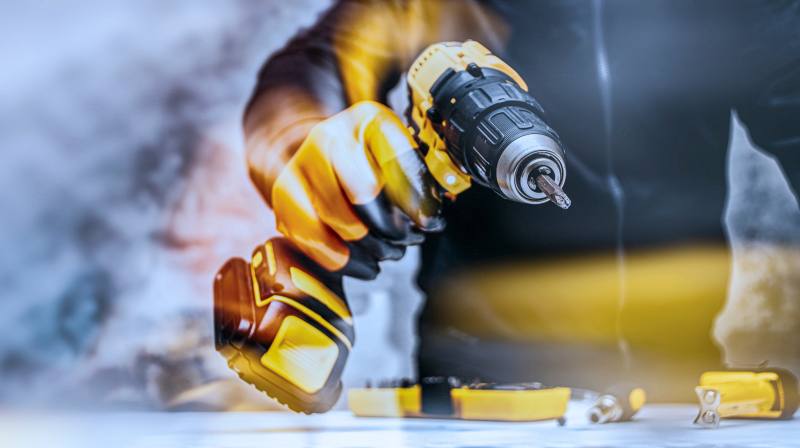
Construction & trades
Tools, plant, materials and vans. Know what is on each site, what went out on which van, and what needs replacing before the job starts.
For trades & construction
Media & events
Cameras, lenses, lighting, cases and IT. Build kit lists per shoot, book gear against dates, and get every case back before the van leaves.
For media & eventsHow the price compares
Most rivals meter you per user or per item, need an annual contract, and won’t publish a figure at all. We do it the other way round.
| Software | Entry price | How it’s charged | Free plan |
|---|---|---|---|
| Asset Giant us | from £19/mo ≈ £7.90–£9.50 / user / mo | Flat price per company | Yes — Free Forever, no card |
| Sortly | from US$49/mo Per plan — user seats capped by tier | Per plan, user-capped | Yes — 100 items, 1 user, 2 jobs |
| EZOfficeInventory | from US$63.55/mo Unlimited users (fair-usage) — priced per item | Per item count — climbs with inventory | No free plan — 15-day trial |
| Asset Panda | No transparent pricing No published per-user price | Hidden — quote only, per asset | No free plan |
| itemit | from £26.99/mo £26.99 / user / mo at entry tier | Per user — climbs with team | No free plan |
| ShareMyToolbox | from ~US$10/user/mo from ~US$10 / user / mo | Per user (connection) | No free plan |
| AssetTiger | from US$20/mo Unlimited users on paid plans | Tiered by asset count | No — free tier ended Aug 2026 |
Competitor pricing is indicative and summarised from publicly-available information as of August 2026. Currencies and plans differ between providers — always check their own site. See the full feature-by-feature comparison.
Simple plans, one flat price
Start free. Move up only when your inventory or your team outgrows it — never because a trial ran out.
Questions people ask first
Tap a question. Nothing here is a sales answer.
What exactly is Asset Giant?
It is a register of the physical things your business owns — tools, plant, cameras, cases, vehicles, materials — with a photo, the details, a QR label and a location for each one. Your team scans labels with their phones to look items up, take them out and bring them back, so the register stays true to reality instead of drifting out of date like a spreadsheet.
Do I need to buy any hardware?
No. The QR labels print on ordinary sticker sheets from any printer, and the scanner is the camera in the phone your team already carries. There is no dedicated scanner, dock, tag or reader to buy. How the scanner works.
How long does it take to get set up?
An afternoon for a typical van or store, not weeks. A setup wizard walks you through the basics, then you photograph items and let the AI draft each record — you approve or correct it. Most of the effort people expect is the typing, and that is the part the AI removes. See how the photo entry works.
Is it really free?
Yes — the Free Forever plan costs nothing, needs no card, and has no trial countdown. It is the real product with lower limits, not a demo. Paid plans raise the limits when you outgrow it. See the plans.
I already use something else. Can you move my data across?
Yes. Save your existing kit list as a CSV and import it yourself in minutes — you match your own columns and see a full preview before anything is saved. Or, on any paid plan, send us the file and we will import your assets, locations, categories and clients by hand, free. You do not retype a single row. See how we compare.
Will it work on my phone on site?
It is built phone-first: everything works in a mobile browser with nothing to install, and the layouts are designed for one hand and a gloved thumb. It works just as well on a tablet or a desktop in the office. Works on any device.
Can my whole team use it?
Yes. Everyone works from one shared, live inventory, and roles and permissions control who can see and change what. The number of user accounts depends on your plan. Adding your team.
What if I already have a spreadsheet?
Keep it as a reference and build the real register alongside — photographing items is usually faster than reformatting a spreadsheet, and it gives you the photos, labels and history a spreadsheet never had. If you would rather we helped move a large list across, talk to us.
Is my data private, and can I get it out again?
Every company’s data is fully isolated from every other company’s, and your inventory is private to your team. You can export everything to CSV whenever you like, and nothing is deleted if you downgrade. Security and privacy · Your data is never held hostage.
Which industries is it for?
Anyone with kit that moves. It is used in construction and trades, and in media, events and production — and it fits hire, facilities and maintenance work for the same reason: the items move between vans, sites, stores and jobs. See how each sector uses it.
How does it compare with other asset tracking software?
The difference that matters most is the AI. Photograph a tool and it writes the record for you — name, make, model, category and specs — or type a make and model and it fills in the rest; then ask your inventory questions in plain English and get an answer from live data. None of the main alternatives offer that, and it is the difference between an inventory you actually build and one you keep meaning to. After that: a genuinely free tier, one flat price per company rather than a per-user meter, and full label design and printing in the box rather than as an add-on. We publish a dated, side-by-side comparison rather than asking you to take our word for it. See the full comparison.
Find out what you actually own
Create an account and add your first few items in the next ten minutes. Free forever for up to 100 assets, no card, no trial clock, and you can export everything and walk away whenever you like.
- Nothing to install — works in your phone’s browser
- AI does the typing for you
- Print your first QR labels today
Create your free account
Free forever for up to 100 assets. No card required.
By creating an account you agree to our Terms of Service and Privacy Policy. Already have an account? Log in.